Build a scenario
Explore purchase or refinance estimates for Conventional, FHA, VA, and USDA programs using the rates, fees, and insurance amounts you enter.
Build fixed-rate mortgage estimates, compare your options, and keep each saved scenario linked to the right borrower.
Currently available through a private pilot. Workspace administrator access is required. Contact support for availability.

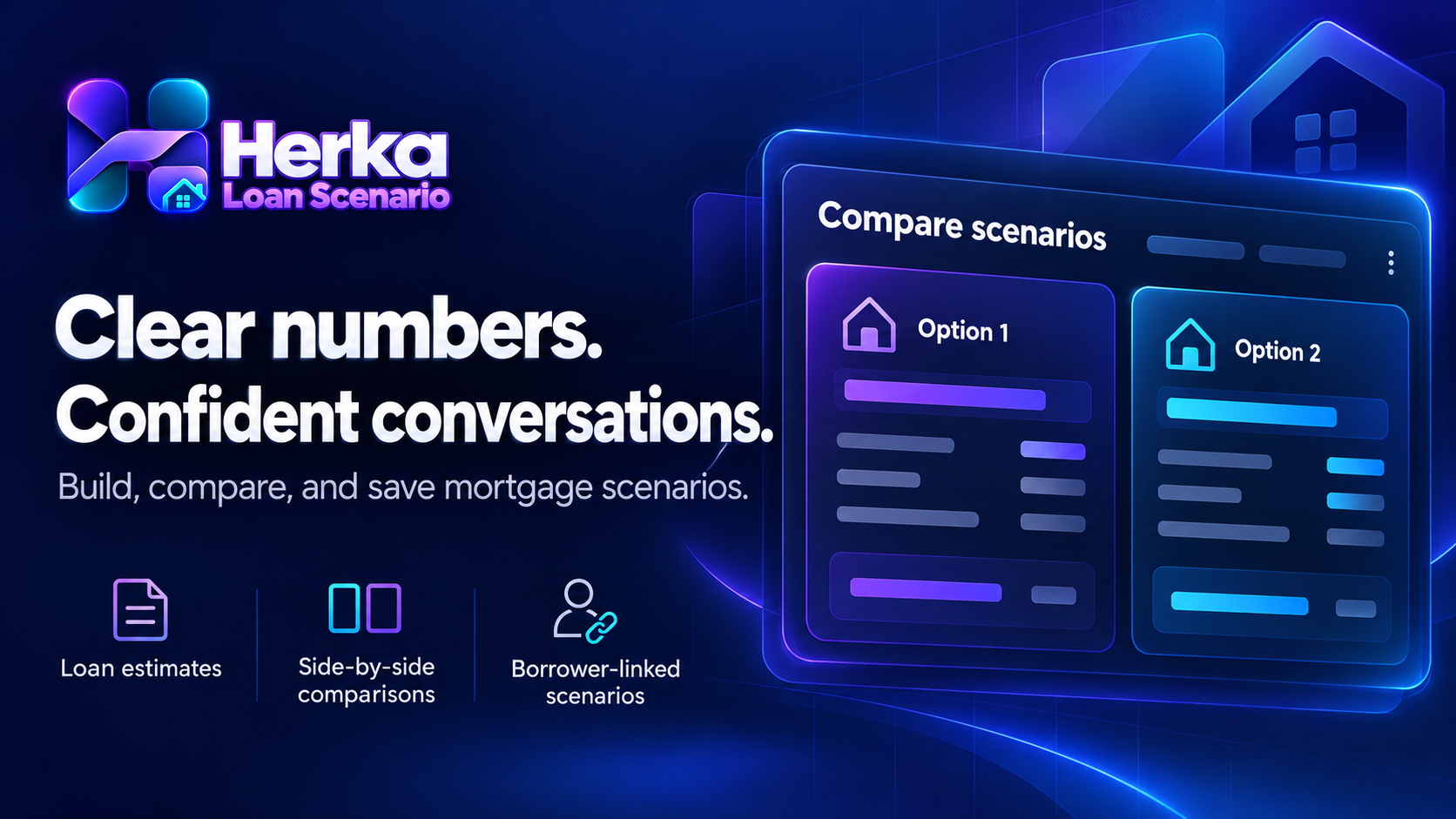
Review the assumptions, compare the numbers, and save a record of the scenario you discussed.
Explore purchase or refinance estimates for Conventional, FHA, VA, and USDA programs using the rates, fees, and insurance amounts you enter.
Review principal and interest, property taxes, homeowners insurance, mortgage insurance, and HOA costs together.
Adjust terms, calculate again, and compare your estimates side by side. Export the comparison as a JSON file.
Search your connected contacts, select a borrower, and save a scenario. Reload it later or associate it with an existing borrower opportunity.
Add a saved estimate as a contact note or write its results to mapped contact fields after reviewing and confirming the action.
With the required permission, the app creates and maps missing Herka fields. Existing manual mappings take priority, and matching defaults are reused.
Results depend on your inputs. Rates, upfront fees, mortgage insurance, taxes, and insurance costs are entered manually; the app does not retrieve live lender pricing or decide loan eligibility.
Loan-to-value and debt-to-income ratios, cash to close, cash proceeds, and amortization estimates help you review a scenario. They do not replace a lender disclosure, underwriting decision, or approval.
Saving a scenario keeps it in Herka Loan Scenario. Updating CRM fields or adding a note is a separate action that requires confirmation. Customer workflows may react to fields you choose to update.